
Read the marking
Enter every visible letter and number from the old cell.
Type the marking on any button or coin cell. We translate it into the right family, chemistry, voltage and physical size.
Key fobs, watches, scales and remotes shouldn’t send you through a wall of near-identical codes. Start with the marking in your hand; CellMatch makes the differences clear.
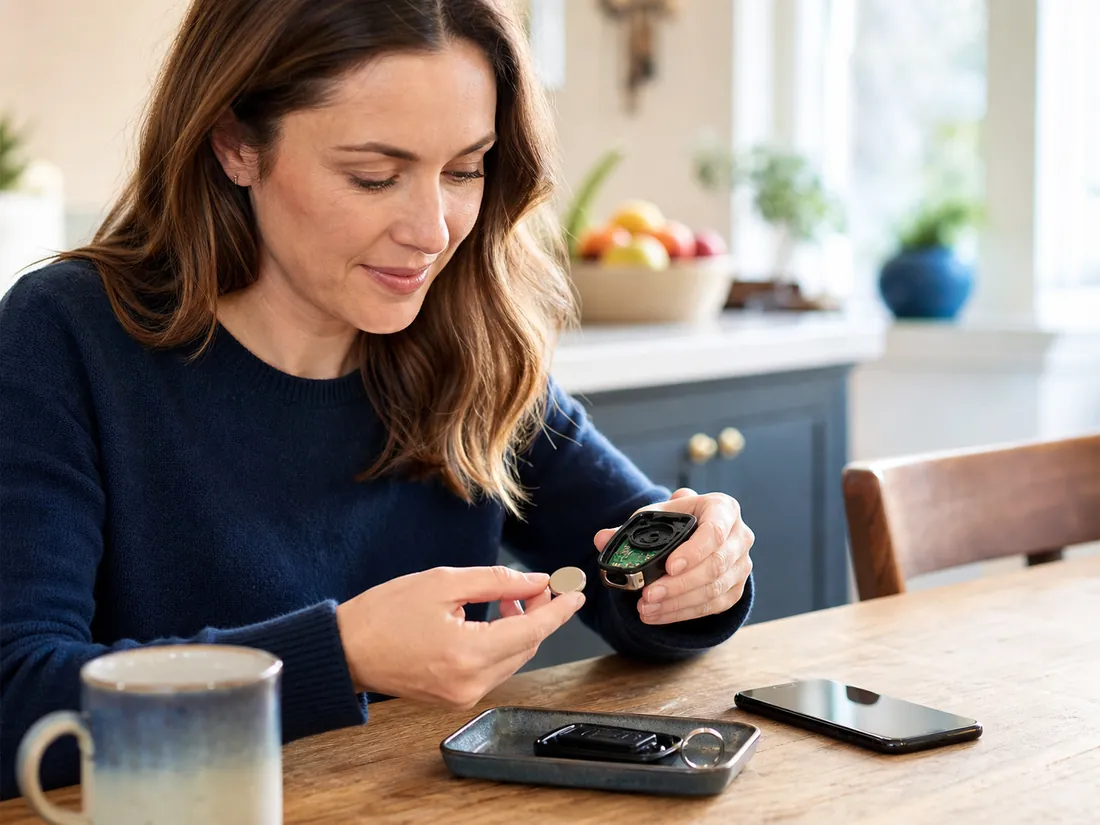

Cells that look identical can use different chemistry or drain profiles. CellMatch keeps those differences visible instead of hiding them inside a giant table.
Enter every visible letter and number from the old cell.
See whether the label means lithium, alkaline or silver oxide.
Match voltage, diameter and height with the manual or holder.
This is a validation prototype, not a substitute for the device manual. Always use the size and chemistry specified by the manufacturer. Keep coin cells away from children and never recharge a cell unless it is explicitly marked rechargeable.